

How to Select the Ideal WordPress Theme for Your Website?
Selecting the ideal WordPress theme for your website is crucial for creating an engaging, functional, and user-friendly site. WordPress themes for blog factors will allow users to select a theme that enhances the experience, aligns with a brand, and supports the website’s function. Here are steps and tips to help you choose the best WordPress theme:
- Understand your website’s purpose: Whether it’s a business website, portfolio, blog, or e-commerce site, the theme should align with your goals. Make sure it offers features suited to your specific needs.
- Responsive design: Choose a theme that’s mobile-friendly and adapts well to different screen sizes, as this impacts user experience and SEO rankings.
- Customization options: Look for a theme that allows you to easily adjust colors, fonts, layouts, and other elements without requiring coding skills. Many themes offer built-in customization options or support for page builders like Elementor.
- SEO optimization: Opt for a theme that is SEO-friendly, meaning it’s coded with best practices in mind to help search engines crawl and index your site effectively.
- Performance and speed: A theme should load quickly to provide a better user experience. Choose lightweight themes that are optimized for speed.
- Compatibility with plugins: Ensure the theme supports essential plugins, especially if you need specific functionalities like forms, social sharing, or SEO plugins.
- Regular updates and support: The theme should be updated regularly to ensure compatibility with the latest WordPress version. Also, check if the theme offers good customer support.
- User reviews and ratings: Research user feedback to see how well others have found the theme. Positive reviews are a good sign that the theme is reliable.
- Demo preview: Before purchasing or installing a theme, always preview its demo to get a sense of how it will look on your site and if it matches your aesthetic vision.
- Consider premium themes: While free themes are available, premium themes often offer more features, better support, and higher quality.
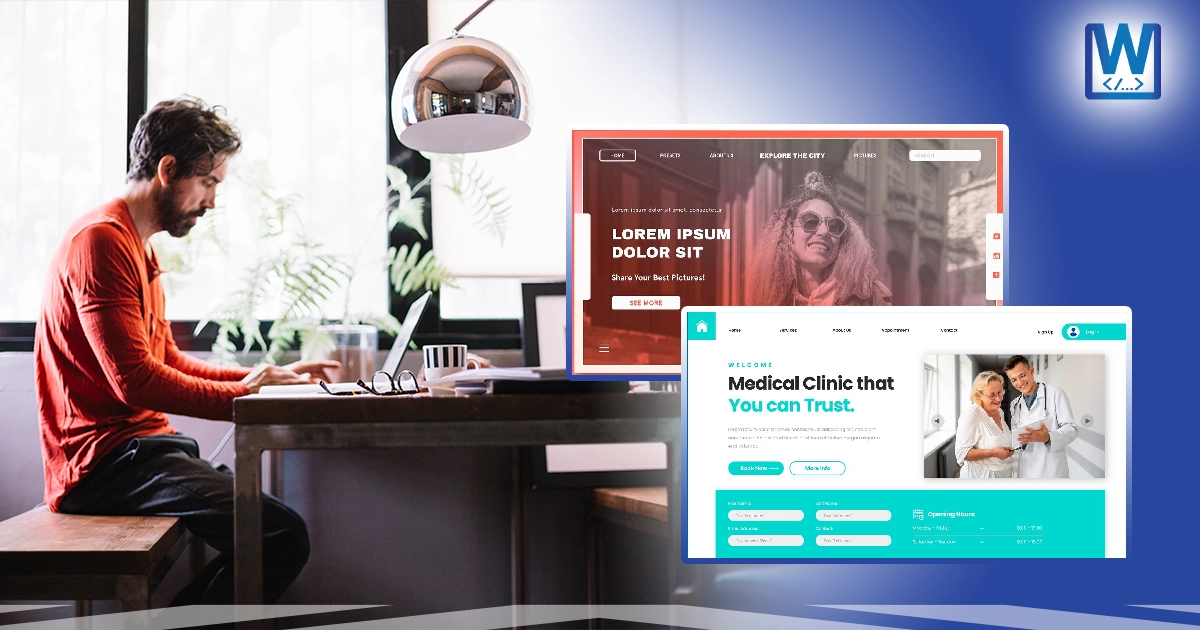
Practical Dos and Don’ts When Picking a WordPress Theme.
A WordPress theme for business will help you choose one that enhances both the functionality and aesthetics of your WordPress site while maintaining performance and usability. Here’s a list of practical dos and don’ts for picking a WordPress theme for your website:
Dos:
- Do choose a mobile-responsive theme: Make sure the theme functions effectively across all platforms, particularly mobile. Google prioritizes mobile-friendly websites in search rankings.
- Do test the theme demo: Preview the theme demo on your site to see how it performs, looks, and feels. Make sure it matches your vision.
- Do check the theme’s reviews: Look for themes with good reviews and high ratings from other users. Positive feedback can indicate that the theme is reliable and well-supported.
- Do consider future growth: Choose a theme that can scale as your website grows, especially if you plan to add more features or content in the future.
- Do use a child theme: If you want to make modifications, use a child theme. It allows you to customize the design without affecting the core theme, making updates easier.
- Do ensure compatibility with popular plugins: Make sure the theme works well with essential plugins you might use, such as SEO plugins (Yoast), page builders (Elementor), or security plugins (Wordfence).
- Do check for regular updates: Choose a theme that is regularly updated to stay compatible with the latest version of WordPress, improving security and functionality.
Don’ts:
- Don’t choose a theme based solely on looks: Some themes are pretty, but they lack the features and functionality you need for a successful site.
- Don’t overload with too many features: Avoid themes with excessive features that you won’t need. These can slow down your site and complicate the customization process.
- Don’t pick a theme without proper support: Make sure the theme provides customer support. A theme without support might be harder to troubleshoot if you encounter issues.
- Don’t pick unoptimized themes: Some themes may look great but are poorly coded or not optimized for performance. Avoid themes that slow down your website or have poor SEO optimization.
- Don’t overlook browser compatibility: Ensure the theme works well across different browsers like Chrome, Firefox, Safari, and Edge. Test your site on multiple browsers before finalizing.
- Don’t ignore security features: Some themes may have security flaws that could leave your website vulnerable to attacks. Check if the theme developer follows WordPress security best practices.
- Don’t choose themes with excessive pop-ups: Themes with too many pop-ups or aggressive advertisements can frustrate visitors and affect your site’s usability and bounce rate.


