

Responsive Web Design Essentials.
Responsive web design is a fundamental approach to building websites that ensures they adapt and function seamlessly across various devices and screen sizes. Responsive design provides a consistent and optimized experience across a wide range of devices and screen sizes. Mobile-responsive design provides an ideal user experience on a wide range of mobile devices, ultimately improving engagement and satisfaction for mobile users. Here are some essentials to consider when creating a website’s responsiveness:
- Fluid layouts: Design your website layout using relative units like percentages rather than fixed units like pixels. Website responsiveness allows elements to resize proportionally based on the screen size.
- Media queries: Use CSS media queries to apply different styles based on the characteristics of the device, such as screen width, height, and orientation. This enables you to create tailored layouts for different devices.
- Flexible images and media: Ensure that images and media elements are flexible and can adapt to different screen sizes. You can use CSS properties like max-width: 100% to ensure images resize appropriately.
- Viewport meta tag: Include the viewport meta tag <meta name=”viewport” content=”width=device-width, initial-scale=1″> in the head of your HTML document. This tag tells the browser to set the width of the viewport to the device’s width and scale the content accordingly.
- Mobile-first approach: First, plan for small screens, and then gradually improve the arrangement for larger ones. Mobile-responsive design ensures a better user experience on smaller devices and prevents issues with scalability.
- Flexible typography: Use relative units like ems or rems for font sizes to ensure that text scales appropriately across devices. Additionally, consider using responsive typography techniques like viewport units (vw, vh) for better scalability.
- Responsive navigation: Design navigation menus that are easy to use on both desktop and mobile devices. Consider using techniques like off-canvas menus, hamburger icons, or drop-down menus for smaller screens.
- Testing across devices: Test your website on various devices and screen sizes to ensure it looks and functions as intended. Utilize browser developer tools to simulate different devices, or consider using real devices for testing.
- Performance optimization: Optimize your website’s performance by minimizing file sizes, reducing HTTP requests, and leveraging techniques like lazy loading for images and media. A faster website leads to a better user experience, especially on mobile devices with slower connections.
- Progressive enhancement: Implement features in layers, starting with a basic functional layout and adding enhancements for devices with more capabilities. Responsive design ensures that all users can access the core content and functionality regardless of their device or browser capabilities.
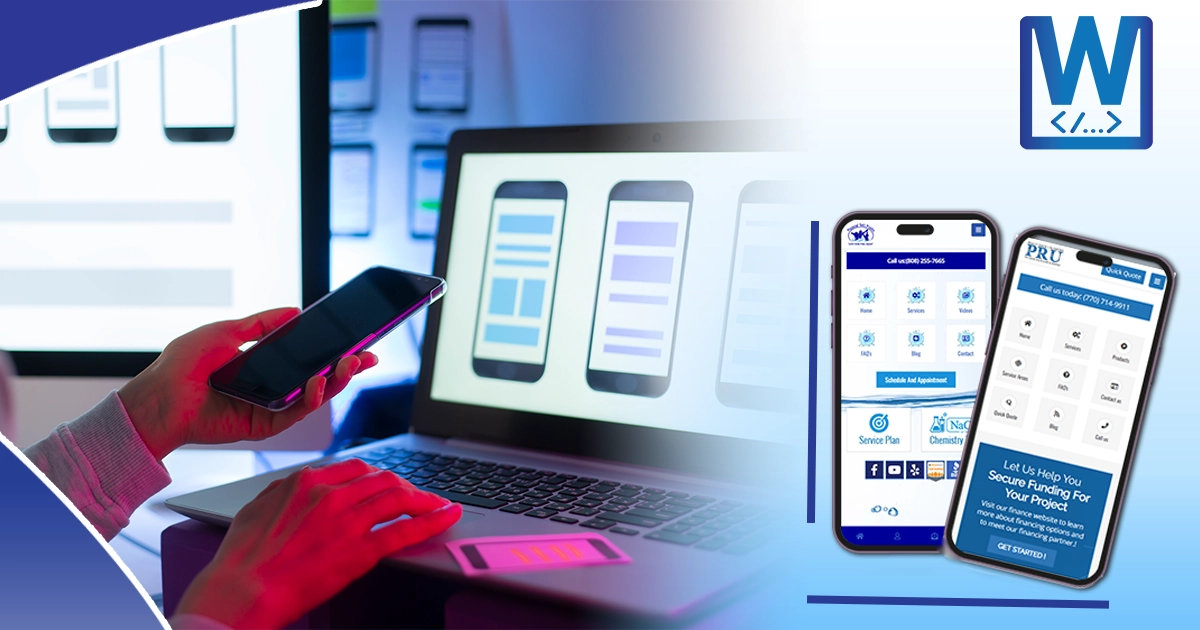
Importance of Mobile Optimization for Websites.
Mobile optimization means that by prioritizing mobile-friendly design and functionality, you can maximize the effectiveness and impact of your website in today’s mobile-centric world. Here are some benefits of website mobile optimization:
- User experience: With the proliferation of smartphones and tablets, more people are accessing the internet on mobile devices than ever before. Optimizing your website for mobile ensures that users have a positive experience, regardless of the device they’re using. A seamless, user-friendly experience leads to higher engagement, lower bounce rates, and increased conversions.
- Search engine rankings: Search engines such as Google prioritize mobile-friendly websites in their search results. Having a mobile-optimized site can improve your search engine rankings, making it easier for potential customers to find your business online. Google even introduced mobile-first indexing, which means it primarily uses the mobile version of a site’s content to rank pages.
- Accessibility: Mobile optimization makes your website accessible to a wider audience, including people who primarily use mobile devices to browse the internet. By ensuring that your site is responsive and easy to navigate on smartphones and tablets, you remove barriers to access and accommodate users with diverse needs and preferences.
- Faster load times: Mobile-optimized websites are designed to load quickly on mobile devices, even on slower internet connections. This is crucial because mobile users have less patience for slow-loading websites. By optimizing images, reducing unnecessary elements, and leveraging techniques like lazy loading, you can improve page speed and provide a smoother browsing experience.
- Competitive advantage: In today’s digital landscape, having a mobile-friendly website is no longer optional—it’s expected. If your competitors have mobile-optimized sites and you don’t, you risk losing potential customers to them. By investing in mobile optimization, you stay competitive and demonstrate your commitment to providing a modern, user-centric experience.
- Local search and location-based services: Many mobile users rely on their devices to find local businesses and services. Mobile optimization can improve your visibility in local search results and enhance the user experience for customers looking for nearby locations, driving directions, contact information, and other relevant details.
- Social sharing and engagement: Mobile devices are often used for social media browsing and sharing content. A mobile-optimized website makes it easier for users to share your content on social platforms, increasing exposure and driving traffic back to your site. It also encourages social engagement, such as likes, comments, and shares, which can boost brand awareness and loyalty.


