

Enhancing Customer Engagement through Google Business Listing Features.
Google Business Profile, formerly known as Google My Business, is a crucial tool for businesses aiming to connect with customers effectively online. With its wide range of features, it offers multiple ways to enhance Google Business customer engagement, build trust, and drive business growth. A well-managed Google Business Profile can serve as a powerful tool to increase visibility, enhance engagement, and build stronger relationships with customers. Here are several key features that can drive customer engagement:
- Business profile optimization: A complete and optimized Google Business Profile ensures your business stands out. Adding accurate business hours, locations, and contact information helps customers find and reach you easily while also increasing your visibility in local search results.
- Google reviews & ratings: Positive customer reviews and high ratings build trust and influence new customers’ decisions. Responding to reviews also shows active engagement, providing a personal touch that strengthens customer loyalty.
- Posts & updates: Google allows businesses to share posts about offers, events, or new products directly on their profile. Regular Google Business posts updates keep your audience informed and encourage interactions, increasing engagement and driving traffic.
- Photos & videos: Including high-quality images and videos can make your listing more attractive. Visual content helps convey your business’s atmosphere, products, and services, giving customers a better understanding of what to expect.
- Q&A section: The Q&A section enables customers to ask questions directly on your profile, and businesses can respond. This real-time communication fosters customer trust and engagement, as prospective clients can get instant answers to their inquiries.
- Booking & appointment scheduling: Google Business allows you to add booking links for services, making it easier for customers to schedule appointments directly. This seamless integration improves the user experience and enhances conversion rates.
- Insights & analytics: Google provides detailed analytics on how customers find and interact with your listing. Tracking this data helps you understand customer behavior, allowing you to optimize your strategy and improve engagement efforts.
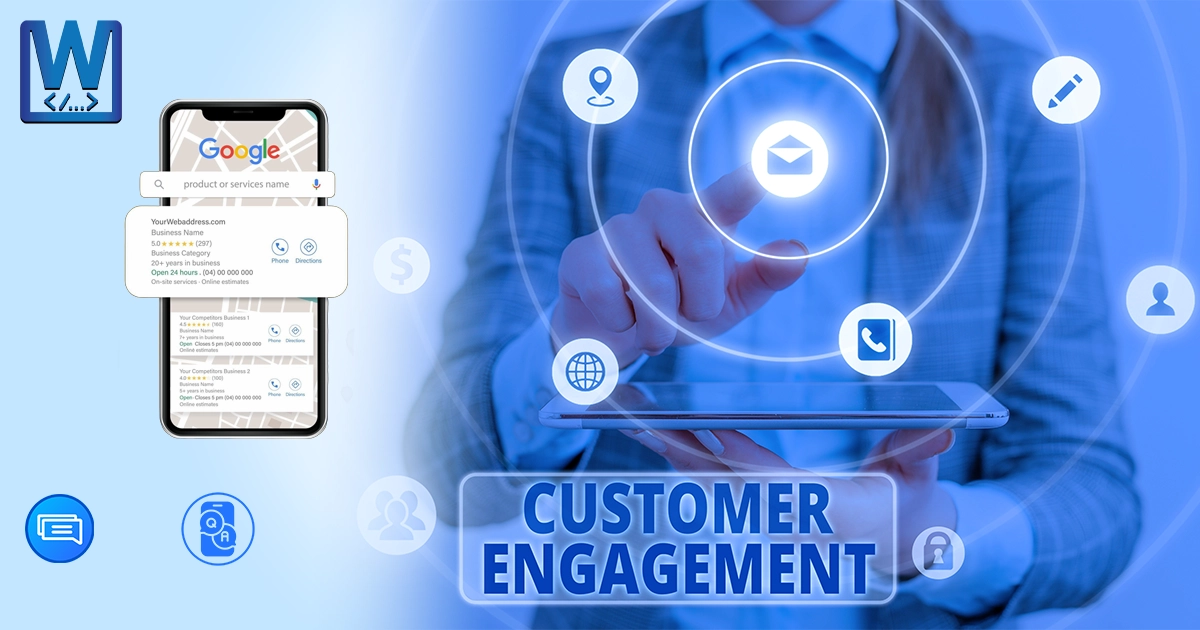
How to Use Posts, Q&A, and Messaging to Connect with Customers.
Using Google Business Listing features like posts, Q&A, and messaging is an effective way to connect with customers in real time and drive engagement. Here’s how you can leverage each feature by connecting to customers:
- Posts: Google Posts allow you to share updates, promotions, events, or news directly on your business profile. Regularly posting can keep customers informed and interested. Use attention-grabbing headlines, clear calls to action, and high-quality images or videos to make posts more engaging. Posts also help improve your visibility in search results, increasing the likelihood of customer interactions.
- Q&A: The Q&A section on your Google Business Profile lets customers ask questions directly, and you can respond promptly. Proactively monitor this section and answer common queries about your products or services. You can also add frequently asked questions (FAQs) to provide valuable information upfront. Engaging with customers in the Q&A section enhances trust and encourages potential customers to reach out.
- Messaging: Google Business Messaging allows customers to contact you directly through your profile. This feature enables real-time communication, which can be especially valuable for customers looking for quick answers or assistance. Enable messaging on your profile and ensure timely responses to customer inquiries. Personalizing responses and addressing customer concerns promptly can foster positive interactions and build strong customer relationships.


